
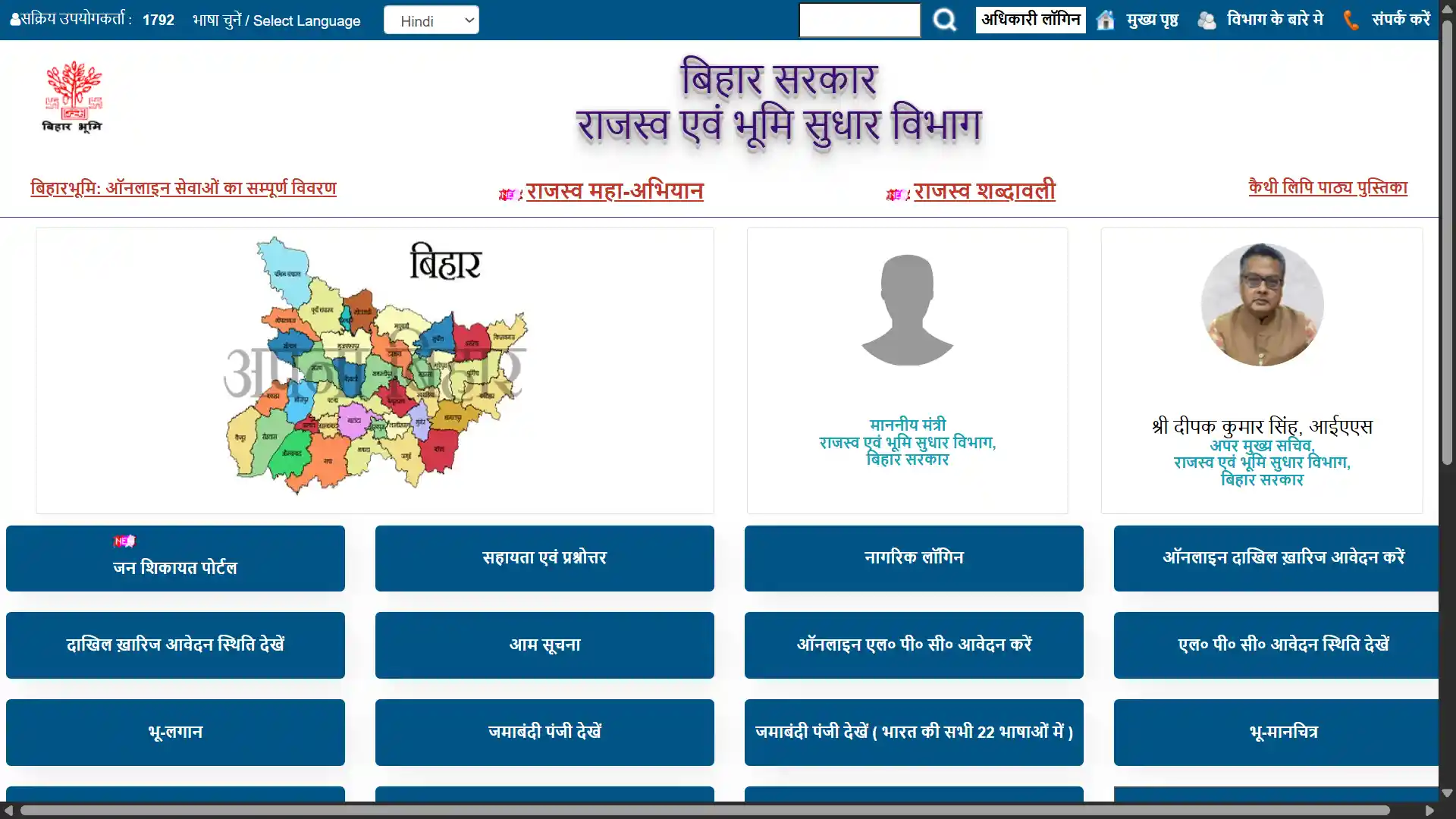
Every day, thousands of Bihar residents go online to check their Jamabandi records through the Bihar Bhumi portal. And every day, a large number of them run into problems — not because the portal is broken, but because small mistakes during the process lead to confusing results or dead ends.
After helping dozens of friends and family members navigate the Jamabandi Bihar system over the past two years, I have put together this list of the most common mistakes I have seen people make. If you have ever stared at a blank screen after searching for your land records, or found someone else’s name where yours should be, this guide is for you.
1. Searching With the Wrong Spelling of Your Village Name
This is by far the most common problem. The Bihar Bhumi portal stores village names (Mauja names) in a specific format that was decided during digitisation. The spelling on the portal may not match what you use in daily life.
For example, a village locally known as “Bariyarpur” might appear as “Bariarpur” or “Bariaarpur” in the government records. The difference of a single vowel can mean your search returns zero results.
How to fix it: Instead of searching by name directly, browse the full list of Mauja names under your Halka. The portal shows all villages in alphabetical order. Scroll through and look for variations of your village name. Once you find the correct version, note it down for future use.
2. Confusing Khata Number With Khesra Number
I have seen this happen more times than I can count. Someone enters their Khesra number in the Khata field, or the other way around, and then panics when the search shows no results or shows completely different land details.
Here is the simple difference: Khata number identifies the landowner (you), while Khesra number identifies the specific plot of land. One person can have one Khata but multiple Khesra numbers if they own several plots.
How to fix it: Always check your old land tax receipt (Lagan Raseed) or any previous Jamabandi document. The Khata and Khesra numbers are clearly written there. Keep a photo of these documents on your phone so you always have the numbers handy.
3. Not Checking the Father’s Name Column
Many people search for their Jamabandi using only their own name and get frustrated when multiple results appear or the wrong record shows up. In Bihar, especially in rural areas, many people share the same first name within a single village.
How to fix it: Always verify the father’s name (or husband’s name for married women) in the record. This is the most reliable way to confirm you are looking at the correct Jamabandi entry. The portal shows this information in the detailed view.
4. Expecting Updated Records Immediately After Mutation
This is a mistake that causes genuine anxiety. You complete your Dakhil Kharij (mutation) process, get the approval order, and then immediately go to check your Jamabandi online — only to find the old owner’s name still showing.
The truth is, there is a gap between when a mutation is approved and when the online Jamabandi records are updated. This delay can range from a few weeks to several months depending on the workload at the district level.
How to fix it: Be patient. Keep your mutation approval order safe as proof. If the records are not updated even after three to four months, you can raise a correction request through the Parimarjan portal. Your approved mutation order is your legal proof of ownership regardless of what the online portal shows at any given moment.
5. Using the Wrong Browser or Device Settings
This sounds like a minor thing, but the Bihar Bhumi portal does not work equally well on all browsers and devices. I have personally experienced situations where the portal works perfectly on a laptop but shows blank pages or broken layouts on a mobile phone.
How to fix it: For the best experience, use Google Chrome on a laptop or desktop computer. If you must use a mobile phone, switch to “Desktop Mode” in your browser settings before opening the portal. Also, make sure your browser allows pop-ups from the Bihar government domain, as some pages open in new windows.
6. Ignoring the Difference Between Old Survey and New Survey Records
Bihar has gone through multiple land surveys over the decades. The Jamabandi records on the portal are primarily based on the last completed survey. If your family’s land ownership goes back several generations, the details in the current Jamabandi might not perfectly match the documents your grandfather had.
How to fix it: If you see discrepancies between your family’s old documents and the online Jamabandi, do not assume it is an error. First, check which survey year the online record refers to. Changes in Khata or Khesra numbers between surveys are normal. The Bhu-Abhilekh portal can help you trace historical records.
7. Not Paying Lagan Before Applying for LPC
A surprisingly common mistake: people fill out the entire LPC (Land Possession Certificate) application form, attach all their documents, and then hit “Submit” — only to be rejected because their land tax is not up to date.
Paying current Lagan is a mandatory pre-condition for LPC applications. The system checks this automatically, and no amount of paperwork will get your application through if there is an outstanding balance.
How to fix it: Before starting any LPC application, visit bhulagan.bihar.gov.in first. Check if you have any dues. Pay them online and save the receipt. Only then start your LPC application.
8. Uploading Documents in the Wrong Format
The Bihar Bhumi portal has specific requirements for document uploads during mutation and LPC applications. Most people know about the 2 MB file size limit, but many do not realise that the portal is particular about file formats too.
How to fix it: Scan your documents as PDF files, not as photos. If you are using your phone camera, use a scanner app like CamScanner or Adobe Scan to convert the photo into a clean PDF. Keep the resolution moderate — high-resolution photos create unnecessarily large files that get rejected.
9. Not Saving the Acknowledgement Number
After submitting any application on the Bihar Bhumi portal — whether it is for mutation, LPC, or a Parimarjan correction request — you receive an acknowledgement number. I am always surprised by how many people close the browser window without noting this number down.
Without the acknowledgement number, tracking your application status becomes nearly impossible. The portal does not have a way to look up applications using just your name or phone number.
How to fix it: The moment you see the acknowledgement number on screen, take a screenshot, write it down on paper, and send it to yourself on WhatsApp or email. Better to have it in three places than to lose it entirely.
10. Assuming Online Records Are Always Correct
This is perhaps the most important point. Many people treat the online Jamabandi as the absolute final word on their land ownership. While digital records are extremely useful and increasingly reliable, errors do exist in the system. Names get misspelled during data entry. Plot areas sometimes get recorded incorrectly. Old mutations occasionally fail to reflect in the digital version.
How to fix it: Always cross-verify your online Jamabandi with your physical documents — the original sale deed, previous Lagan receipts, and any mutation orders. If you find an error in the online record, file a correction request through the Parimarjan portal immediately. The sooner you catch and report an error, the easier it is to fix.
Final Advice
The Jamabandi Bihar system has genuinely made land record management more transparent and accessible for ordinary citizens. Five years ago, checking your land records meant spending an entire day at the Circle Office. Today, you can do it in five minutes from your phone.
But like any system, it works best when you understand how to use it properly. Avoid these ten mistakes, keep your documents organised, and save every receipt and acknowledgement number. Your future self will thank you.
Have you faced any other problems while using the Bihar Bhumi portal that I have not covered here? Let me know in the comments — I am always looking to make this guide more helpful for everyone.